 Mop
Knows developer tools
Xcode, simulators, npm, pnpm, Yarn, Bun, CocoaPods, Swift packages, Gradle, pip, Go, Cargo and Homebrew.
Clears what Xcode, simulators and package managers leave behind. Explains every item. Deletes nothing without your OK.
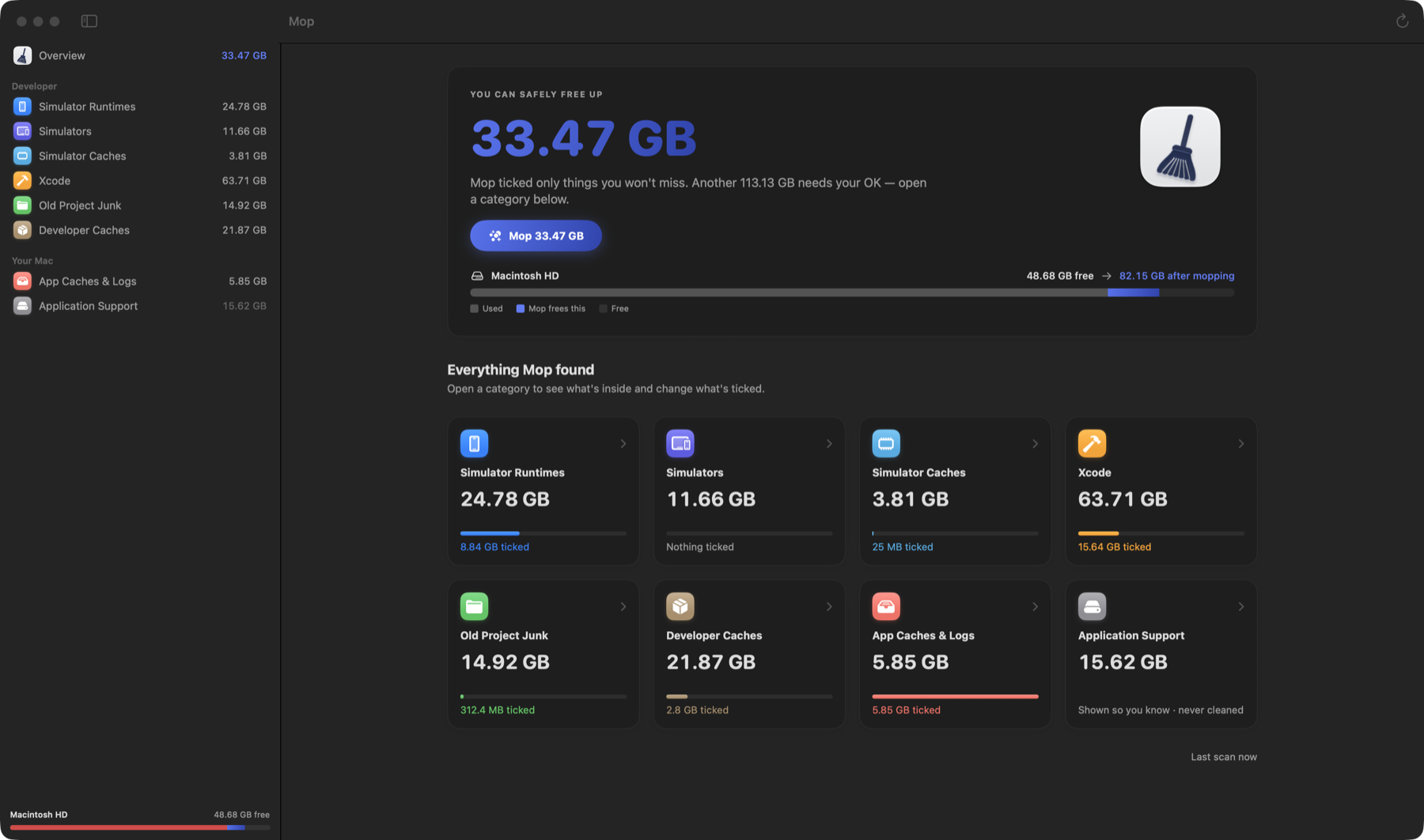
Your Mac calls it “System Data”. Mop opens it up: old simulator runtimes, DerivedData from projects you deleted months ago, package caches, and node_modules nobody remembers installing.
Xcode, simulators, npm, pnpm, Yarn, Bun, CocoaPods, Swift packages, Gradle, pip, Go, Cargo and Homebrew.
It only ticks what rebuilds or re-downloads on its own. Anything that would cost you time waits for you.
A full scan of a busy developer Mac takes about 15 seconds. Cleaning takes one click.
Mop shows each item's size, when you last built or opened it, and what you'd notice if it went. A project that no longer exists is safe. One you built yesterday is left alone.
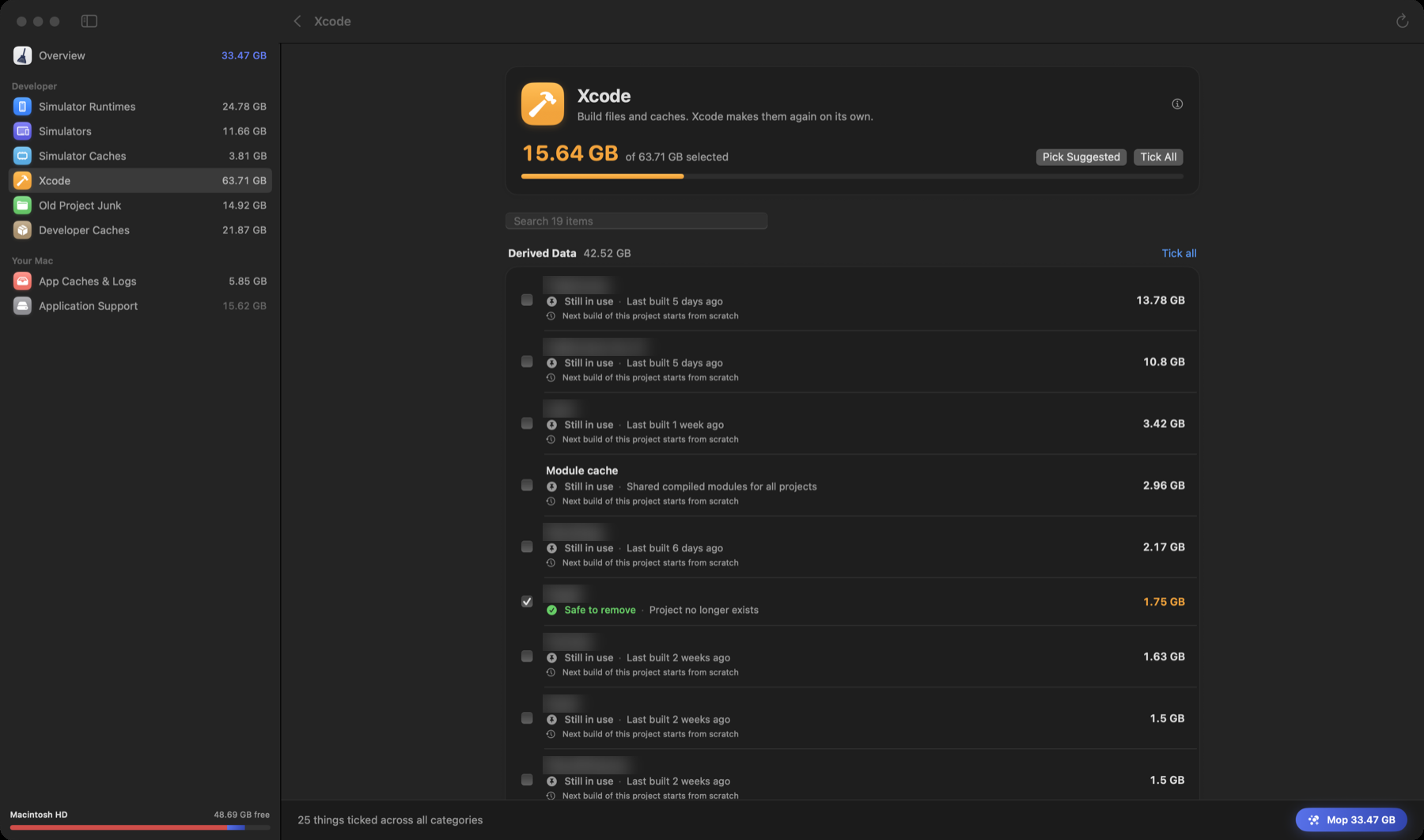
Mop's real screens, rebuilt in code from a real scan so they stay sharp. Project names blurred.
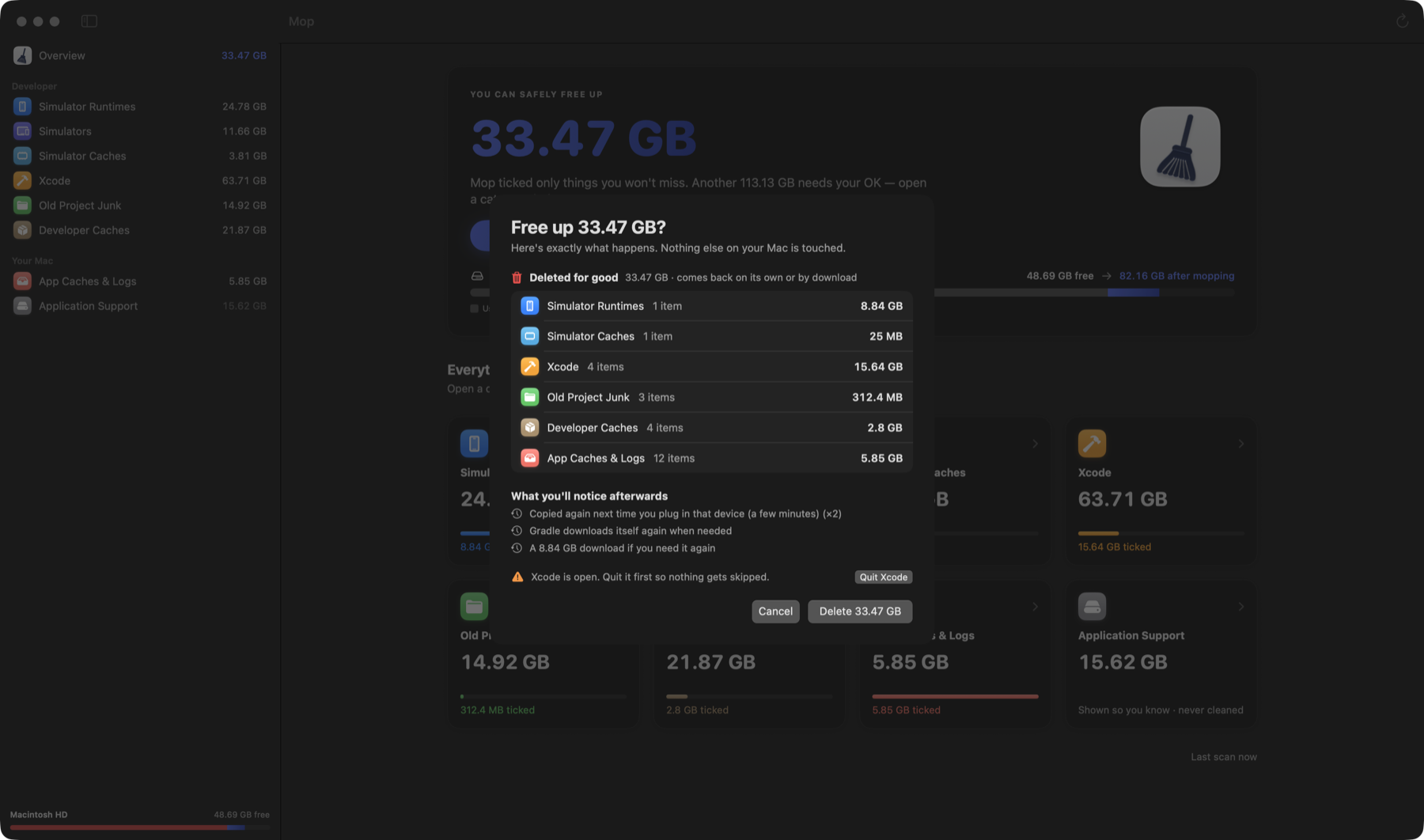
Before anything is removed you see what's deleted for good, what goes to the Trash, and what you'll notice afterwards, like a re-download the next time you plug in a device. If Xcode is open, Mop asks you to quit it first.
A real scan of the Mac Mop was built on. 146.6 GB found, 33.47 GB cleared in one click, free space up from 48.68 GB to 82.15 GB.
Scan as often as you like and clean your first 2 GB for free. If Mop earns its place, unlock it for good. There's no subscription.
$0
See exactly what's taking space.
Download$9.99 one time
Everything, for good.
Buy MopCheckout by Gumroad, our merchant of record. Taxes are calculated at checkout. Already bought? Activate Mop.
Not on the Mac App Store because App Store apps can't remove simulator runtimes or Time Machine snapshots, often the biggest wins.
It's the catch-all bucket in System Settings › Storage for everything macOS doesn't label: caches, logs, simulator files, build data and more. On developer Macs it's often the biggest item.
Mop only works inside known cache and build locations and shows everything before it acts. It ticks only items that come back on their own. Anything that would cost you time stays unticked, and goes to the Trash if you choose it. Your documents, photos and source code are never touched.
Mop is built for developer Macs, because that's where tens of gigabytes hide. On a Mac without developer tools it mostly finds app caches and logs, so run the free scan first and see.
Macs with Apple silicon running macOS 14 Sonoma or later.
Gumroad shows your license key right after checkout and emails it with your receipt. Paste it on the activate page and click “Open in Mop” to unlock the app in one click. You can do this again any time, for example on a new Mac.
Yes, within 14 days, no questions asked. See the refund policy.
macOS 14 or later on Apple silicon.